 This Chapter
A disposable camera for every guest
No peeking. Then everything.
Every guest gets a camera on their own phone. Every photo stays sealed, even from you, the host, until the moment you pick. Then everyone sees all of them at once.
Free for up to 10 guestsNothing for guests to downloadiPhone app coming soon
Go on. Try to peek.
The one rule
Sealed means sealed.
Lots of event cameras let the host look first and quietly tidy up. We built This Chapter so nobody can look early. Guests stay in the moment, and the album shows the day exactly as it happened.
- The guest who took it No
- There’s no preview and no retake. Take it, and it’s sealed.
- You, the host No
- Not a sneak look, not a quick check. You find out with everyone else.
- Everyone else there No
- No feed, no likes, nothing to scroll through at the table.
- Us No
- Each photo is locked with a key that belongs to your event alone, and nothing hands a photo back before the reveal. No system scans them, either.
- At the reveal: everyone Yes
- The whole album opens for every guest at the same moment.
How it works
Four steps. One surprise.
-
01
Set up your event
Give it a name and a cover photo. Pick when guests can start taking photos, when they stop, how many photos each guest gets, and when everyone sees them.
-
02
Share one link
Text it to the group chat, or print the QR code and put it on the tables. That’s the whole invitation.
-
03
Everyone takes photos
Guests scan, type their name, and the camera opens. No previews, no retakes. Each photo is sealed the moment it’s taken. Go ahead, press the big button on the phone.
-
04
Everyone sees them at once
At the time you picked, the whole album opens for everyone: every photo, from every guest. As the host, you can save them all in one go.
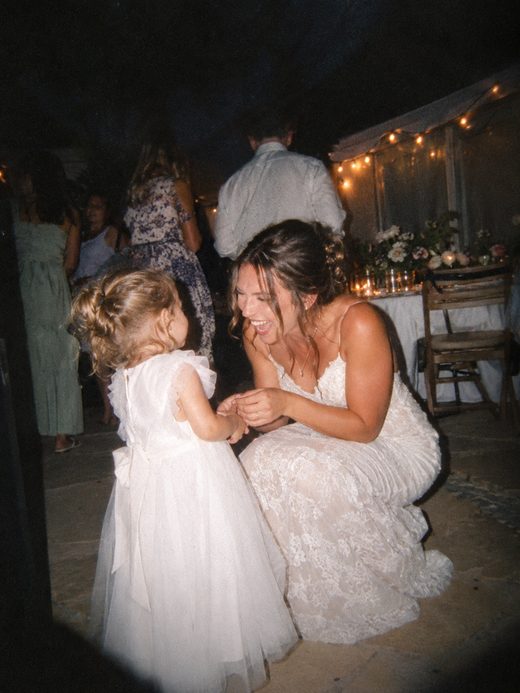
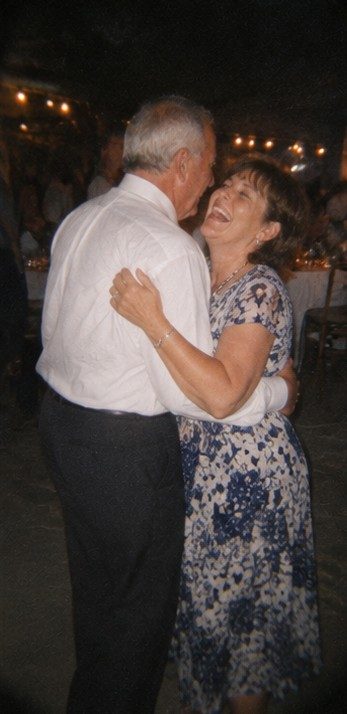
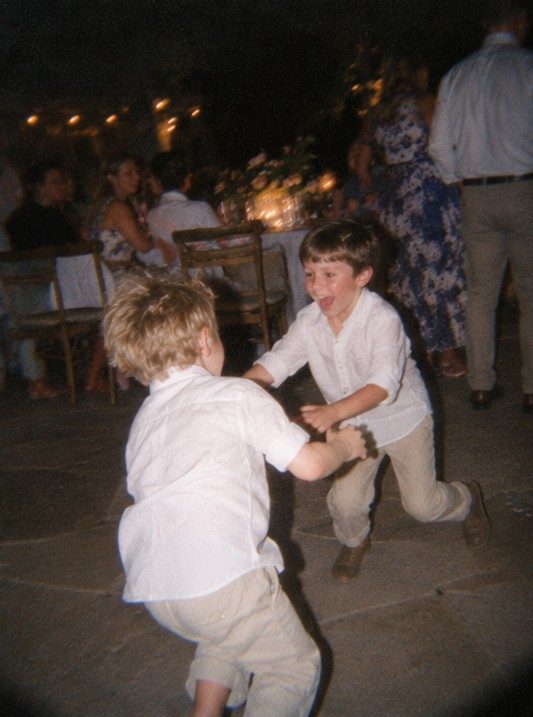
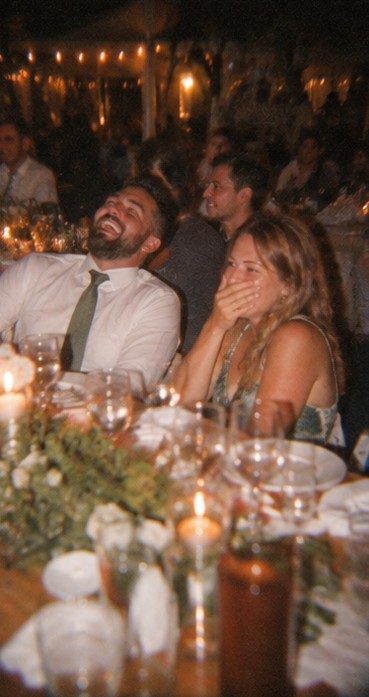
What you missed
Why it matters
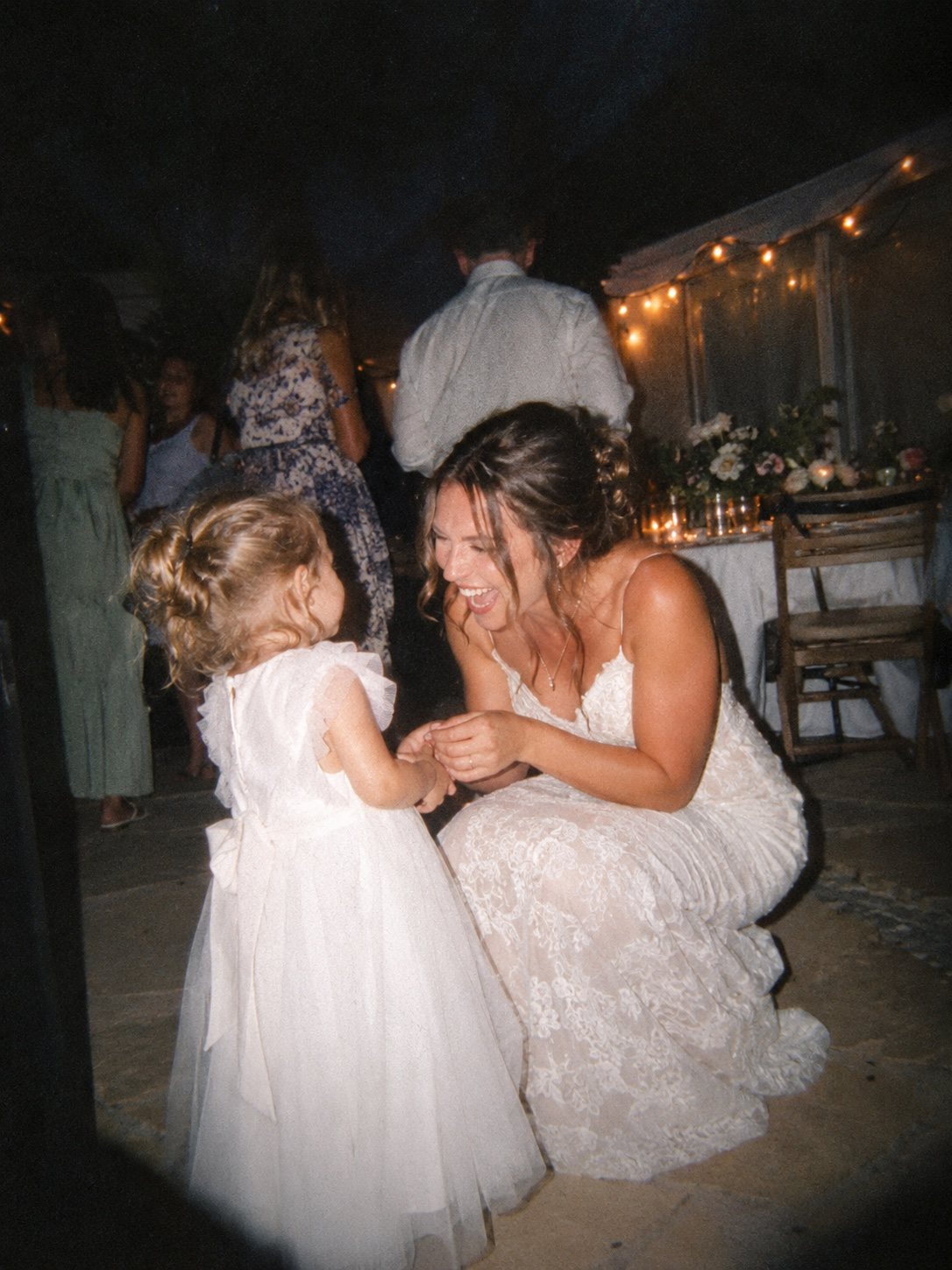
The laughs, the hugs, the in-between moments, from everyone who was there.
The photos nobody posed for, taken by the people who were right there. You’ll finally see everything you missed while you were busy hosting.
Made for
Big days and good times.
Weddings
Every table. Every angle.
A QR card on every table, and an album full of the moments your photographer was never there for.
See weddingsParties
Birthdays, dinners, any excuse.
Free for up to 10 guests. Bigger crowds pay once, by size. Nobody downloads a thing.
See partiesIn writing
What we promise, in plain words.
- 365
days, then deleted
We keep your photos for 365 days after the reveal, then delete them. Save them whenever you like before then.
- 0
photos scanned
No automated system ever looks at your photos, and they’re never sent to another company to be scanned, rated or used to train anything.
- Once
and that’s it
No subscription. Up to 10 guests is free. Bigger events pay one time, by guest count.
- No
ads or trackers
No ads, no analytics and no cookies on this site. The guest camera page doesn’t use cookies either.
- Nothing
for guests to download
Guests scan or tap, type their name, and the camera opens. No account, no email address.
- Every
photo, from everyone
The album keeps every photo every guest took. Nothing is picked for you by an algorithm.
Pricing
The guest count is the price.
Pick how many people are coming and pay once for that event. Every price is right here, not hidden behind a calculator.
Every size includes
- Every photo from every guest, in one album
- You pick the photos per guest, the look and the reveal time
- Photos kept for 365 days after the reveal
- Save every photo in one go
- Nothing for guests to download
Today: free events for up to 10 guests, right in your web browser. Bigger sizes, and events that run over several days, come with the iPhone app, which is coming soon.
More than 250 guests? Tell us about your event.
| Guests | Price |
|---|---|
| Up to 10 | Free |
| Up to 25 | $9 |
| Up to 50 | $19 |
| Up to 100 | $39 |
| Up to 150 | $69 |
| Up to 250 | $99 |
For your guests
Nothing to download. Nothing to figure out.
Your guests don’t need an app, an account or an email address. If they can scan a QR code, they’re in.
Scan or tap
Point the phone’s camera at the QR code, or tap the link in the group chat. The camera opens right in the web browser.
Type a name
Just a name, so the host can tell whose photos are whose. Guests confirm they’re 13 or older, and that’s it.
Take photos
No previews, no retakes. Each photo is sealed the moment it’s taken, and a counter shows how many are left.
Bad signal at the venue? Guests need signal once, to join. After that, photos wait safely on the phone and send when the signal comes back.
One catch: in a private browsing tab, closing the tab erases photos that haven’t sent yet. A normal tab is fine.
The look: you pick one for everyone. Disposable (warm and a little grainy), Black & White, or No Filter.
Android phones? The camera runs in the web browser, so Android guests can join too. We’ve tested most on iPhone, so tell us if anything goes wrong.
Questions
Good questions.
Anything else? Write to hello@thischapter.app and a real person will answer.
Can I see the photos before everyone else?
No, and that’s on purpose. Not the host, not the guest who took the photo, and not us. Every photo stays sealed until the reveal time you picked. Then everyone sees the whole album at the same moment.
Do my guests need to download an app?
No. They scan the QR code or tap your link, and the camera opens in their phone’s web browser. They type a name and start taking photos. No account and no email address.
When do the photos get revealed?
Whenever you choose. When you set up the event you pick a day and a time, and it starts out as 9:00 AM the morning after. Plenty of people keep it there, so the album is waiting at breakfast.
How many photos does each guest get?
You decide when you set up the event, from 6 up to 36 each. A small number makes every photo count; a big one lets people go wild.
What if there’s no signal at the venue?
Guests need signal once, to join. After that, photos wait on their phone and send on their own when the signal comes back. One catch: in a private browsing tab, closing the tab erases photos that haven’t sent yet.
How long do you keep the photos?
365 days after the reveal. As the host, you can save every photo in one go any time before then. After that, they’re deleted.
What do the photos look like?
You choose one look for the whole event: Disposable (warm and a little grainy, like a throwaway camera), Black & White, or No Filter. The look can’t be changed once the event is created. Photos are saved at up to 2,048 pixels on the long side, which is plenty for phone screens and small prints.
What if someone takes a photo they shouldn’t?
After the reveal, the host can take any photo down, and guests can report a photo to the host. If you’re in a photo and want it gone, ask the host, or write to hello@thischapter.app and we’ll take it down.
Is it a subscription?
No. Events for up to 10 guests are free, and you can have up to three free events going at once. Bigger events pay once, by guest count. You can see every price above.
Can an event last more than one day?
Yes, with the iPhone app, which is coming soon. Events can run up to 7 days, and each day’s photos can be revealed on their own morning, so a long weekend gets a fresh surprise every day.
Your next event
Give everyone a camera. Keep the surprise.
Set up a free event in your browser and share one link. Then wait for the reveal, just like everyone else.
Free for up to 10 guests · iPhone app coming soon